
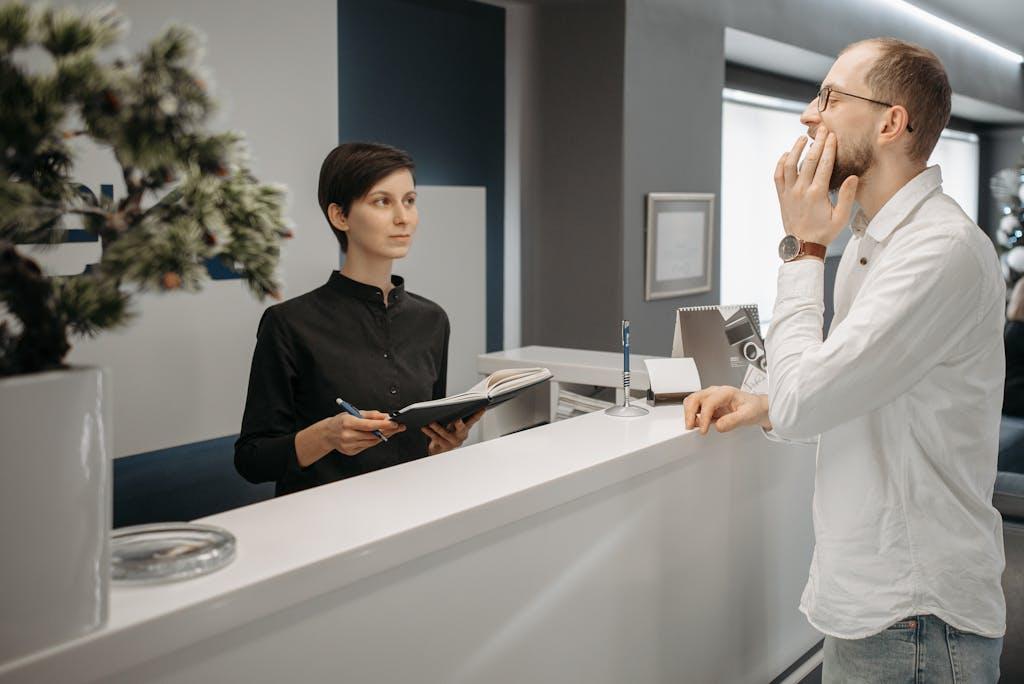
Utilizing Your Front Desk Staff to Get Reviews
Dental reviews are one of the most powerful tools for attracting new patients. They're often the first thing people see when searching for a local provider, and they can immediately set your practice apart.
But how do you consistently get reviews?
The answer is simpler than you think: train your front desk staff.
As the first and last touchpoint in every patient visit, your front desk team is in the perfect position to ask for feedback. With the right tools and a little training, they can help you build trust, boost visibility, and turn everyday appointments into lasting testimonials.
Why Front Desk Staff Are Key to Generating Reviews
From greeting patients to handling checkout, your front desk team interacts with every person who walks through your door. They're often the ones who set the tone---and the ones who leave the final impression.
That's exactly why they're so effective at requesting reviews. They:
- Can spot happy patients: A cheerful comment or smile is a clear sign the experience went well.
- Have natural timing: Asking during checkout, when the visit is still fresh and positive, feels seamless.
- Reinforce your brand: A simple request feels personal coming from someone the patient has already spoken with.
And it works. According to BrightLocal, 35% of patients leave a review when asked, and 67% say they're likely to do so after a good experience.
By making the request part of your front desk's normal workflow, you normalize it. No scripts, no awkward moments. Just a warm thank-you and a simple ask.

Train Your Team with a Simple, Repeatable Script
Not every team member will feel comfortable asking for reviews right away. But with a little coaching and a few go-to lines, anyone can do it confidently and naturally.
Use Warm, Conversational Language
Train your staff to speak like themselves, not like a robot. Here's an example:
"We're so glad everything went smoothly today. Would you mind leaving us a quick Google review?"
That phrasing frames the request as a favor, not a demand.
Encourage small variations to keep things authentic:
- "Would you be comfortable sharing a quick review of your visit?"
- "If you had a good experience, we'd love it if you could tell others about it!"
Use Visual Aids (Cards or QR Codes)
Provide small cards or flyers with a QR code linked directly to your Google review page. It's an easy handoff after a positive visit:
"Here's a quick way to leave a review if you'd like to share your experience."
Place the cards by the front desk or include a reminder on the printed receipt.
Role-Play During Team Meetings
Incorporate short role-play sessions into your staff huddles. Practice different scenarios:
- A happy patient
- A rushed patient
- A patient with a concern
Practicing helps your team build confidence and respond naturally in real conversations.
Make It a Habit at Checkout
The best time to ask is right after a positive visit. Add the request to your standard checkout process -- just like confirming the next appointment or saying thank you.
Make It Easy for Patients to Leave a Review
Even motivated patients won't leave reviews if the process is clunky. Remove the friction.
Here's how:
- Use a short, direct review link to your Google Business Profile.
- Post signs at the front desk or add a message to receipts.
- Send same-day follow-up texts or emails with the link while the experience is still fresh.
- Keep it under a minute. The easier it is, the more likely they'll follow through.
When done right, this approach is low-cost and high-return. Instead of relying on outside services or gimmicks, you're building a system that's authentic and consistent.
Track Reviews Like You Track Appointments
You wouldn't forget to track appointments, so don't forget to track reviews.
Here's how to make review tracking part of your growth system:
- Set monthly goals: For example, aim for 10 new reviews per month.
- Celebrate small wins: Acknowledge when the team hits milestones as it builds motivation and morale.
- Monitor platforms: Use Google Alerts or tools like BirdEye or Podium to stay informed about new reviews.
- Rotate review asks: Assign different staff members to avoid burnout and keep it fresh.
Monitoring your reputation is key to spotting trends, responding quickly to feedback, and staying ahead of potential issues.
Turn Great Reviews into Patient Testimonials
Glowing reviews are more than just social proof. They're mini stories that inspire others. With permission, you can repurpose them into testimonials for your website, social media, or printed materials.
How to Use Reviews Effectively:
- Ask for consent to share any review outside of Google or Yelp. A simple "Would you mind if we feature your kind words?" goes a long way.
- Use initials or photos (with written consent) to add authenticity and relatability.
- Choose relatable stories that address common fears or highlight positive transformations.
- Build a "Patient Love" section on your site or in your newsletters to regularly spotlight happy patients.
Fun fact: Websites with testimonials convert up to 270% better than those without.
Final Thoughts: Small Effort, Big Impact
You don't need a complex system to get more dental reviews. You just need to empower your front desk team with the tools, timing, and confidence to ask.
Most patients are happy to support a practice they trust. All they need is a gentle nudge and a clear path to do so. By making reviews a natural part of checkout, you turn everyday visits into lasting endorsements that build your online reputation and grow your practice.
Want help creating a front desk review strategy? Reach out today for a personalized game plan.
Comments